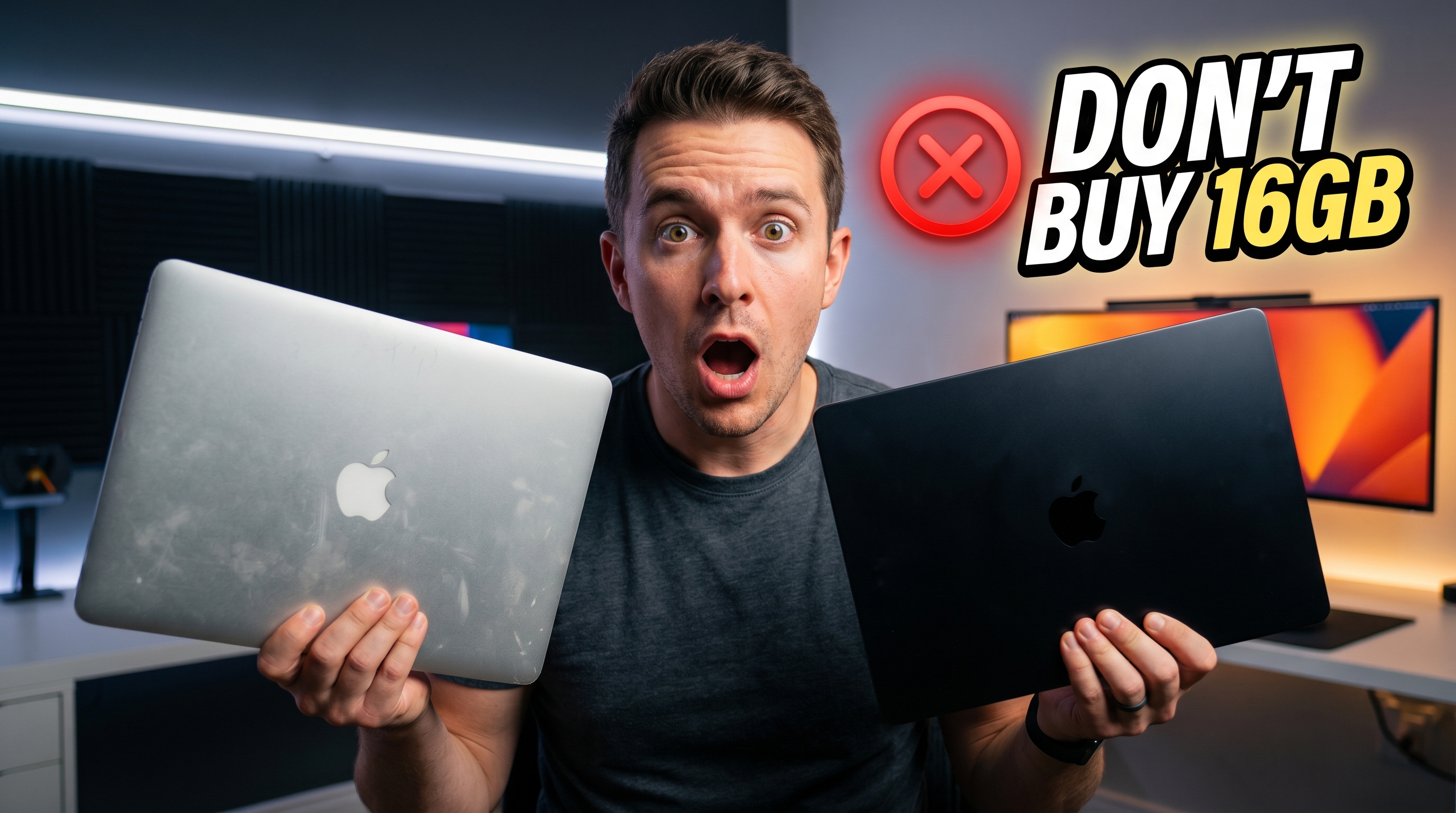
When Apple introduced the M1 series, it completely changed the laptop industry.
For the first time, many creators, developers, and professionals had a laptop that delivered incredible performance, excellent battery life, and near-silent operation without compromise. Like many people, I bought into the hype and purchased a MacBook Pro with Apple’s M1 Pro chip.
At the time, it felt like the perfect machine.
Five years later, I finally upgraded to an M5 Pro MacBook Pro. Surprisingly, the biggest lesson I learned wasn’t about processor speed. It wasn’t about gaming performance or export times.
The real lesson was that I underestimated how important RAM and storage would become over time.
Why the M1 Pro Felt Like the Perfect Laptop
Coming from a traditional Windows laptop, the M1 Pro felt almost unreal.
My old machine struggled with basic tasks. The fans constantly spun at high speed, battery life was disappointing, and even simple workloads could make the laptop feel slow and noisy.
The M1 Pro changed everything.
I could work for hours without hearing the fans. Video editing became smoother, multitasking felt effortless, and battery life was significantly better than anything I had used before.
For years, I genuinely believed I wouldn’t need another laptop anytime soon.
Even as Apple released the M2, M3, and M4 generations, I never felt tempted to upgrade. Sure, each generation was faster, but my M1 Pro already handled everything I needed.
At least, that’s what I thought.
The Mistake I Made When Buying My MacBook
The biggest mistake wasn’t buying the M1 Pro.
The mistake was choosing the wrong configuration.
When I purchased the laptop, I chose the base model with 16GB of unified memory and 512GB of storage. At the time, it seemed reasonable. I wasn’t running a YouTube channel, editing large video projects, or working with demanding creative software.
I simply couldn’t justify spending more money on upgrades.
Years later, that decision started causing problems.
As my projects became larger and more complex, I noticed my workflow becoming increasingly sluggish. Timeline scrubbing in Premiere Pro wasn’t as smooth as before. Large projects took longer to navigate. Switching between creative applications felt slower than expected.
When I checked system usage, the problem became obvious.
When RAM Becomes the Bottleneck
Modern creative applications consume an enormous amount of memory.
Premiere Pro alone was using more memory than my entire system contained. Lightroom was consuming additional resources, and macOS was forced to rely heavily on swap memory.
Swap memory occurs when the operating system uses storage as temporary RAM.
While Apple’s SSDs are incredibly fast, they are still significantly slower than actual memory. Once the system begins relying heavily on swap, performance suffers.
The result?
Timeline responsiveness decreases.
Applications feel slower.
Multitasking becomes frustrating.
The laptop still works, but it no longer feels effortless.
For the first time since buying the M1 Pro, I started seriously considering an upgrade.
Why I Chose the M5 Pro
Interestingly, the processor itself wasn’t the primary reason for upgrading.
My main goal was solving the memory and storage limitations.
This time, I wasn’t interested in another base model. I wanted enough resources to avoid the same mistake in the future.
I chose an M5 Pro configuration with significantly more storage and 48GB of memory. For a broader look at what the M5 generation offers, our M5 MacBook Air review covers the standard M5 chip performance across the lineup.
My thought process was simple:
If I’m spending thousands of dollars on a professional laptop, I want it to remain capable for years.
Instead of worrying about memory usage, project size, or available storage, I wanted the freedom to focus on creating.
That peace of mind became the real upgrade.
The Surprising Gaming Improvement
Although gaming wasn’t the main reason for upgrading, I was curious to see how much performance had improved.
One of the games I tested was Cyberpunk 2077.
On the M1 Pro, achieving playable performance required reduced settings, lower resolution, and various upscaling techniques. The experience was acceptable, but it never felt ideal.
The M5 Pro delivered a dramatically better result.
Frame rates were more than doubled in some scenarios, making gameplay significantly smoother.
Apple’s newer hardware also supports advanced features such as hardware-accelerated ray tracing, which can improve visual quality in supported games.
However, one challenge remains.
Despite the performance improvements, gaming on macOS still lacks the maturity and game library available on Windows. While the hardware is becoming increasingly capable, software support still has room for growth.
The Difference That Actually Matters
Gaming performance was impressive.
Export times improved.
Applications felt faster.
But none of those changes were the most important improvement.
The biggest difference appeared during video editing.
Projects that previously felt sluggish suddenly became smooth again.
Large timelines loaded quickly.
Playback remained responsive.
Full-resolution editing became practical.
Most importantly, I stopped worrying about memory usage.
Instead of constantly monitoring system resources, I could simply focus on my work.
That’s something benchmarks rarely capture.
Real productivity often comes from removing friction, not chasing higher benchmark scores.
14-Inch vs 16-Inch: A Trade-Off Worth Considering
For this upgrade, I also switched from a 16-inch model to a 14-inch version.
The smaller size offers obvious advantages.
It’s easier to carry, fits better in backpacks, and feels more portable during travel.
However, there are compromises.
The larger 16-inch model has better cooling capacity, allowing it to remain quieter under heavy workloads.
The 14-inch model is still extremely capable, but under sustained loads, the fans become more noticeable.
For users who frequently render videos or perform intensive tasks for extended periods, the larger model may still be the better choice.
For everyone else, the portability benefits can outweigh the thermal advantages.
Why Many People Don’t Need to Upgrade
After spending time with the M5 Pro, I reached an unexpected conclusion.
Most M1 Pro users probably don’t need a new MacBook.
The M1 generation was simply that good.
If your workload is web browsing, software development, office productivity, content consumption, or moderate creative work, an M1 Pro remains a highly capable machine in 2026.
The issue isn’t usually the processor.
The issue is often memory and storage.
A well-configured M1 Pro with sufficient RAM and storage can still compete surprisingly well against newer models in many real-world tasks. If you’re curious how the M1 stacks up against other configurations, our M1 MacBook Air vs MacBook Neo comparison offers a detailed look at how the older chip holds up today.
The Upgrade Lesson Nobody Talks About
Technology enthusiasts often focus on processors.
Every year brings new benchmark numbers, faster chips, and exciting marketing claims.
But after five years of ownership, I’ve learned that configuration choices matter just as much as processor generations.
Choosing too little RAM can shorten the practical lifespan of an otherwise excellent computer.
Choosing too little storage can create frustration long before the processor becomes obsolete.
Looking back, if I had purchased more memory and storage from the beginning, I might have delayed this upgrade significantly.
The M1 Pro itself was never the problem.
My configuration was.
Final Verdict: Was the Upgrade Worth It?
The answer is both yes and no.
From a purely financial perspective, upgrading wasn’t the most efficient decision. A higher-end M1 Max configuration could still deliver excellent performance today.
However, technology purchases aren’t always about maximizing value on paper.
Sometimes they’re about removing limitations and improving your daily experience.
For me, the combination of additional RAM, larger storage, improved performance, and future-proofing made the upgrade worthwhile.
The M5 Pro isn’t revolutionary in the same way the M1 Pro was.
But it doesn’t need to be.
It simply builds upon an already excellent foundation.
And perhaps that’s the biggest takeaway from this entire experience.
The M1 Pro didn’t become obsolete.
I simply outgrew the configuration I originally chose.
If you’re considering a MacBook upgrade, don’t just ask whether you need a faster chip.
Ask whether you have enough RAM and storage for the person you’ll become five years from now.
That answer may save you thousands of dollars later.