For years, Mac users running home labs, remote servers, and data center environments have faced one frustrating limitation: physically pressing the power button whenever a Mac was completely powered off.
While Apple has supported Wake-on-LAN and automatic restart after power failures for many years, neither solution fully addressed the need to remotely start a Mac that had been intentionally shut down. That finally changes with the latest macOS update.
Apple has introduced a new feature that allows supported Macs to automatically power on whenever electricity is restored. Although many people have focused on how this helps owners of the latest Mac Mini, the real impact goes much deeper. For IT professionals, developers, and remote administrators, this is one of the most useful Mac management improvements in years.
Why Remote Power-On Matters
Remote management has become increasingly important as more people operate servers, development machines, media systems, and testing environments from different locations.
Traditionally, Macs offered two main options:
Wake-on-LAN
Wake-on-LAN allows users to wake a sleeping Mac remotely by sending a special network packet. However, it only works if the Mac is sleeping. If the computer has been fully shut down, it cannot be powered on remotely.
Restart After Power Failure
Apple also provides an option that automatically boots the Mac when power returns after an outage. While useful during emergencies, this method requires intentionally cutting power to the machine, which isn’t always ideal for normal operations.
Many PC systems have supported automatic startup when power is connected for years. Until now, Mac users were left without an equivalent solution.
A Huge Win for Home Labs and Remote Servers
Anyone running Macs in a home lab understands the challenge. Imagine having several Mac systems available for software testing, automation, virtualization, or development projects. Keeping them powered on 24/7 wastes electricity and increases hardware wear. However, turning them off creates another problem: you cannot start them remotely when needed.
The new startup behavior finally allows supported Macs to remain powered off until required, significantly improving power efficiency while maintaining remote accessibility. For developers who rely on the Mac Mini as a home lab workhorse, this feature removes a longstanding barrier to running fully unattended setups.
Supported Macs
The new startup feature is currently available only on newer Mac models:
- Mac Mini (2024 and newer)
- iMac (2024 and newer)
- Mac Studio (2025 and newer)
Older Intel and Apple Silicon Macs do not appear to support this capability. For users with older hardware, traditional methods such as Wake-on-LAN and smart power management remain the primary options.
Enabling Automatic Startup in macOS
The new option can be found in macOS Energy Settings. Navigate to System Settings → Energy and look for the setting “Always start up when power is connected.”
When enabled, the Mac automatically boots whenever power becomes available. This simple setting unlocks an entirely new level of remote management flexibility.
Testing Remote Boot
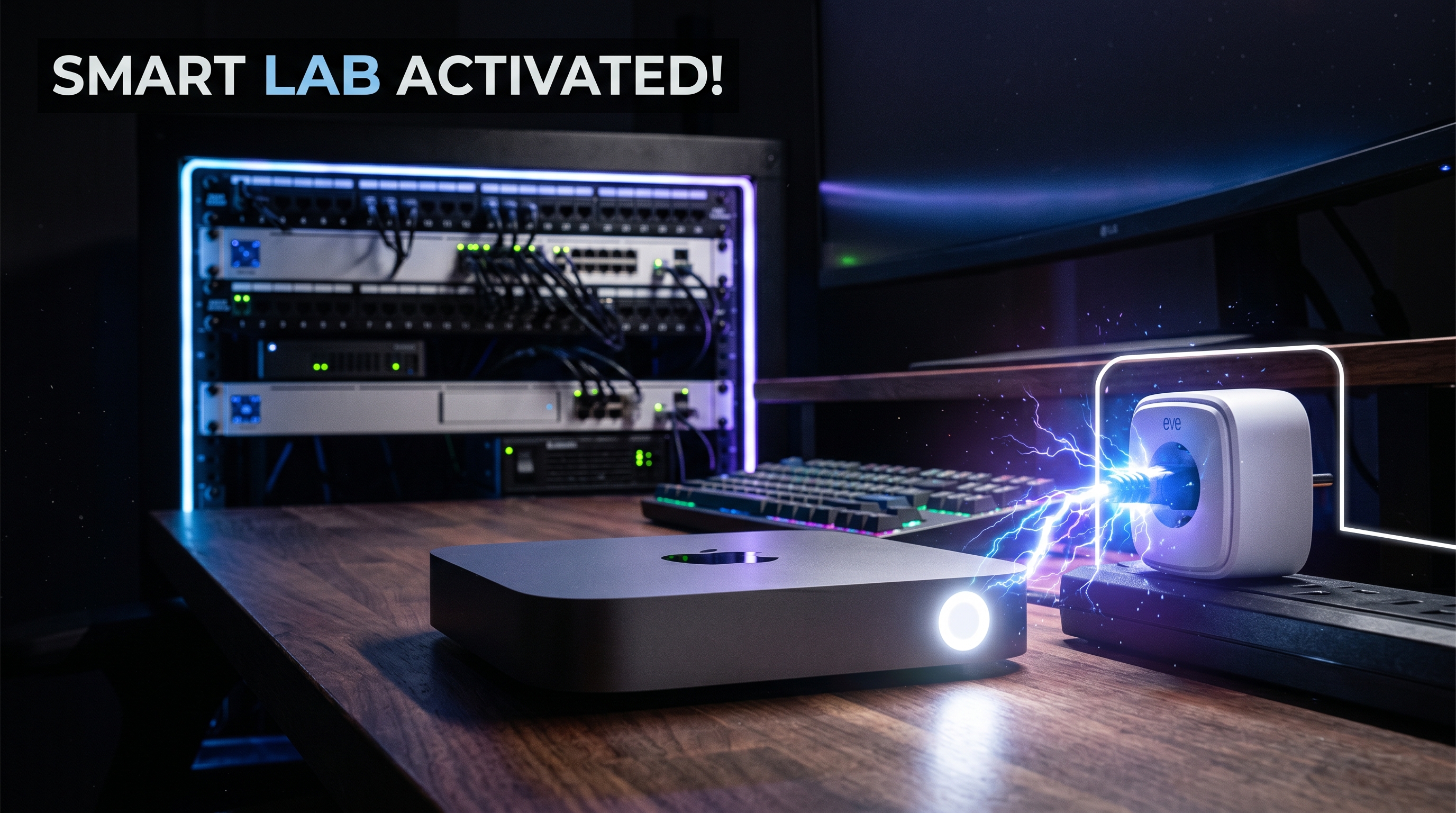
After enabling the feature, the Mac was shut down normally and connected through a smart outlet. The test was straightforward: turn the outlet on remotely and see whether the Mac boots automatically.
The result was immediate. As soon as power was restored, the Mac began its startup process without anyone touching the power button.
Remote Access Before Login
Another powerful improvement involves FileVault-protected systems. Normally, FileVault encryption requires a user password before macOS fully loads. Apple now allows remote SSH connections before FileVault has been unlocked.
This means administrators can connect remotely via SSH, authenticate securely, unlock the encrypted system, and continue using remote management tools. For developers and system administrators, this significantly improves remote workflow capabilities.
A Security Issue Every Mac User Should Know
When using Screen Sharing to log into a Mac remotely, closing the remote session does not automatically log out the user. Instead, the Mac remains logged in locally. If someone has physical access to the machine, they could potentially use the active session.
Until Apple changes this behavior, users should remember to manually log out before ending remote screen-sharing sessions.
An Interesting Startup Bug
During testing, a small bug was discovered. Under a specific sequence of events — the Mac boots automatically, no user logs in, and the machine is shut down from the login screen — restoring power no longer starts the Mac automatically. The only solution becomes manually pressing the physical power button.
While this appears to be an edge case, it could cause problems for truly remote systems where nobody is available to access the hardware. Hopefully, Apple addresses this issue in a future software or firmware update.
Why This Feature Matters
At first glance, automatic startup when power is connected might seem like a small convenience feature. In reality, it solves one of the most significant limitations of remote Mac management.
Benefits include:
- Reduced power consumption
- Better home lab automation
- Easier remote administration
- Improved data center deployment
- Simplified event and broadcast setups
- More flexible development environments
For context on how Apple’s broader hardware strategy fits together, check out our WWDC 2026 hardware roundup covering everything Apple announced this year.
Final Thoughts
Apple’s new remote startup capability may not generate the same headlines as AI features or major interface redesigns, but for technical users, it is one of the most practical improvements introduced in recent years.
By allowing supported Macs to automatically power on when electricity is restored, Apple finally brings functionality that PC users have enjoyed for a long time. Although there are still a few limitations and bugs to address, the feature represents a major step forward for anyone managing Macs remotely.
For developers, system administrators, home lab enthusiasts, and power users, remote Mac management just became significantly easier.